
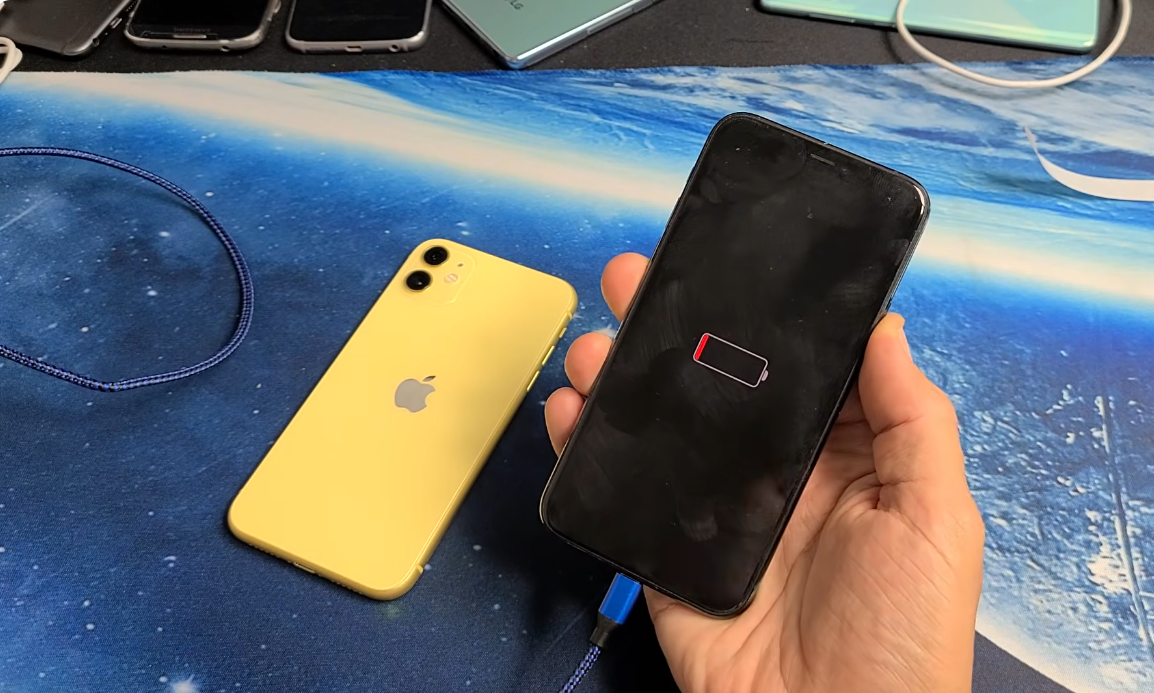
Battery drain is one of the most common reasons iPhone users start questioning whether something is wrong with their device, especially when a phone that once lasted all day suddenly struggles to reach evening.
In many cases, the battery itself is not the first problem.
An iPhone can lose power quickly because of software activity, display behavior, unstable network conditions, charging habits, or background processes that are invisible unless you know where to look. But when battery wear reaches a certain threshold, no setting adjustment will restore normal performance.
For many users, battery complaints become obvious during a normal workday: navigation running in the car, Bluetooth connected for long periods, messaging apps syncing constantly, and screen brightness staying high outdoors. By afternoon, the battery percentage can drop much faster than expected.
The important part is knowing whether the drain is temporary, correctable, or a sign that the battery has physically aged.
Quick Answer: Is Fast Battery Drain Always a Battery Problem?
Not always. If your iPhone battery health is still above 85%, fast drain is often caused by:
- heavy background app activity
- display brightness
- poor signal strength
- recent iOS updates
- location services
- excessive thermal load
But once battery health approaches 80% or lower, internal chemical aging becomes a much bigger factor, and replacement often becomes the practical solution. Apple itself uses 80% maximum capacity as the point where battery performance is considered significantly reduced.
Common Reasons Your iPhone Battery Drains Faster Than Normal
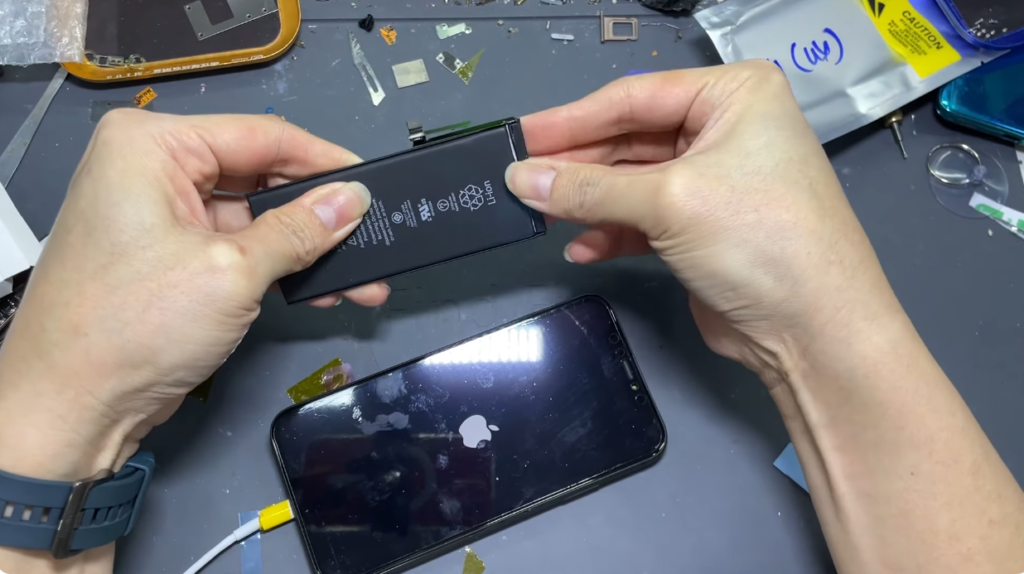
1. Display Power Consumption Is Still the Largest Battery Load
For most iPhones, the display remains the single biggest power consumer.
This becomes more noticeable when:
- Brightness stays near maximum
- HDR video runs for long periods
- Auto-brightness is disabled
- Always-On Display remains active on supported models
- Prolonged social media use keeps refresh cycles constant
OLED displays on newer iPhones are efficient, but long screen-on sessions still consume power aggressively because brightness and refresh rate increase processor demand at the same time.
A phone used heavily outdoors often drains faster because brightness automatically climbs to maintain visibility.
This is why some users feel battery decline even when battery health still looks acceptable.
2. Background App Refresh Creates Silent Battery Loss
Closing an app does not fully stop its activity. Apps such as Instagram, WhatsApp, Gmail, and Facebook continue refreshing data in the background, including message sync, media upload checks, feed refresh, push notification preparation, and location pings, etc.
When several apps do this together, the battery drains even when the phone appears idle.
A common repair-side observation: users often blame the battery when one or two aggressive apps are responsible for most overnight drain.
To check this: Settings → Battery → Battery Usage by App
If one app shows unusually high background activity, the issue may be software rather than battery hardware.
3. iOS Updates Temporarily Increase Battery Drain
This is one of the most misunderstood battery behaviors.
Immediately after an iOS update, the phone performs background tasks such as:
- Indexing photos
- Rebuilding search data
- Syncing system assets
- Updating app frameworks
- Optimizing storage behavior
During this phase battery drains faster, the phone may feel warm, and idle usage may look abnormal.
Apple explains that this is temporary and often settles within 24–48 hours after the update completes. That means battery drain right after updating does not automatically mean the battery is damaged.
But if the drain remains severe after several days, deeper diagnostics become necessary.
4. Weak Signal Strength Increases Battery Consumption More Than Most Users Expect
An iPhone uses more power when it is constantly searching for a signal. This happens when:
- Cellular reception is unstable
- 5G repeatedly switches bands
- Wi-Fi disconnects often
- Bluetooth stays active while reconnecting
For users moving frequently between locations, this often becomes noticeable during commutes because the device continuously negotiates network changes.
Weak signal forces the modem to work harder, which increases battery draw even if the screen is off.
5. Location Services Often Drain Power Quietly
Apps requesting precise location too often create continuous battery demand. Typical offenders include:
- ride-sharing apps
- weather apps
- delivery apps
- navigation apps
The correct diagnostic check can be done with: Settings → Privacy & Security → Location Services
Apps set to Always often consume far more battery than users realize.
For most apps, While Using the App is enough.
6. Charging Heat Accelerates Battery Aging
The battery does not fail only because of age. Heat is often the bigger factor. Repeated exposure to heat during charging accelerates chemical wear inside lithium-ion cells. This issue happens when:
- charging under pillows
- using cheap cables
- gaming while charging
- keeping a phone in a hot car
- charging in direct sunlight
Lithium-ion batteries degrade faster when the internal temperature rises repeatedly. This is one reason two phones of the same age can have very different battery health percentages.
When Battery Drain Means the Battery Itself Is Aging
Every iPhone battery follows a chemical aging cycle. And over time, its charge capacity drops, voltage stability weakens, and peak power delivery becomes inconsistent.
This leads to symptoms users notice as:
- The battery percentage is dropping suddenly
- Random shutdowns
- Slower charging
- Lag under normal use
Older models, such as iPhone 11, iPhone 12, and iPhone 13, commonly show this earlier simply because they have accumulated more charge cycles.
Why 80% Battery Health Matters
Apple’s battery health system measures maximum capacity compared to original design capacity. General interpretation is:
- 100% = new battery
- 90% = mild wear
- 85% = noticeable aging beginning
- 80% = replacement threshold
- below 80% = clear performance loss likely
Below 80%, voltage delivery becomes less stable under load. That means the phone may slow its performance intentionally to avoid sudden shutdowns.
Signs Your iPhone Battery is No Longer Performing Normally
If several of these happen together, the issue usually goes beyond software:
- Battery drops 10–15% in very short periods
- Phone shuts off above 10%
- The battery drains overnight with no major usage
- Charging becomes inconsistent
- Phone heats during light tasks
- Performance lags during camera use
- Brightness dims unexpectedly
- The battery graph shows steep idle drops
A single symptom may not confirm failure, but a cluster of symptoms usually does.
How to Check Battery Health Correctly
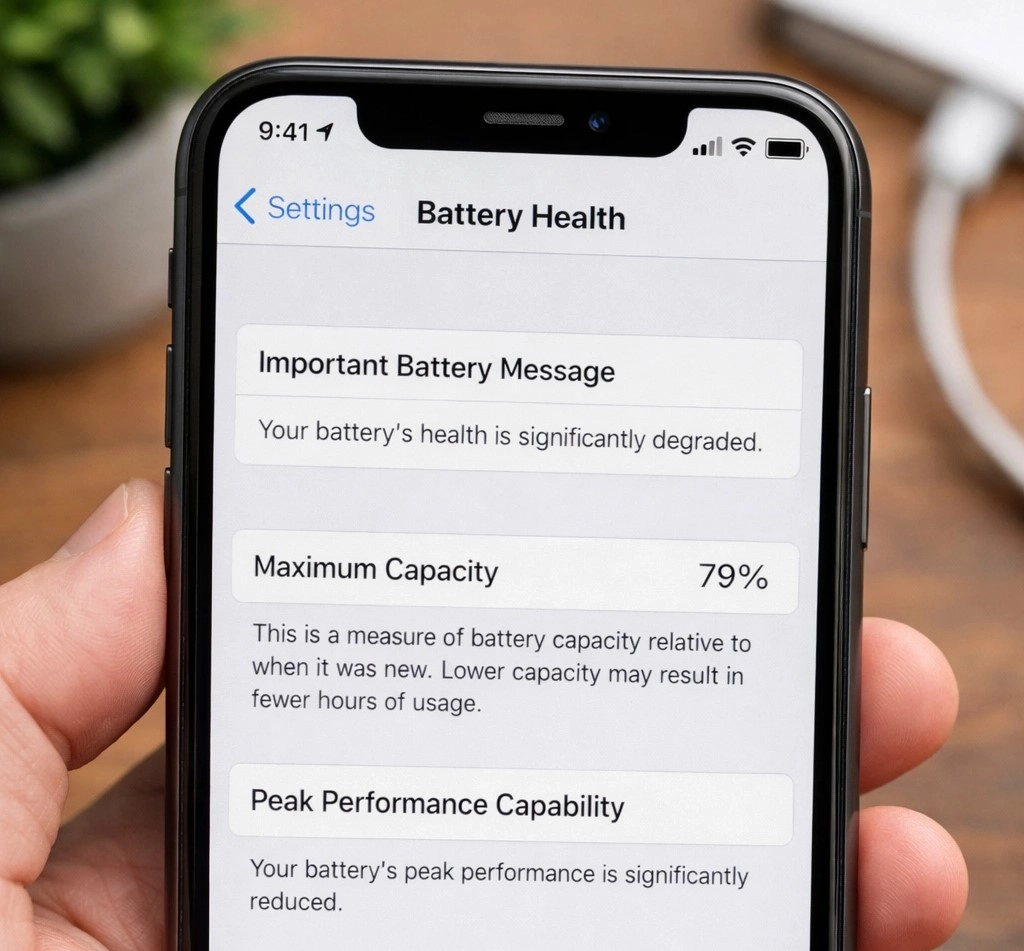
To check the battery health correctly, simply go to Settings → Battery → Battery Health & Charging
Focus on two readings:
- Maximum Capacity: This shows remaining battery capacity versus new condition.
- Peak Performance Capability: This indicates whether iOS has already detected voltage instability.
A battery can still show an acceptable percentage while already producing unstable real-world performance if internal resistance rises.
That is why diagnostics matter beyond percentage alone.
Battery Drain After an Update: Wait Before Assuming You Need Repair
A practical rule is: Wait 48 hours after major iOS updates
During that time:
- Let the phone charge fully
- Keep apps updated
- Monitor battery graph
If battery behavior improves, the issue was temporary indexing. If it does not improve, deeper battery wear or software conflict becomes more likely.
When Battery Replacement is the Better Solution
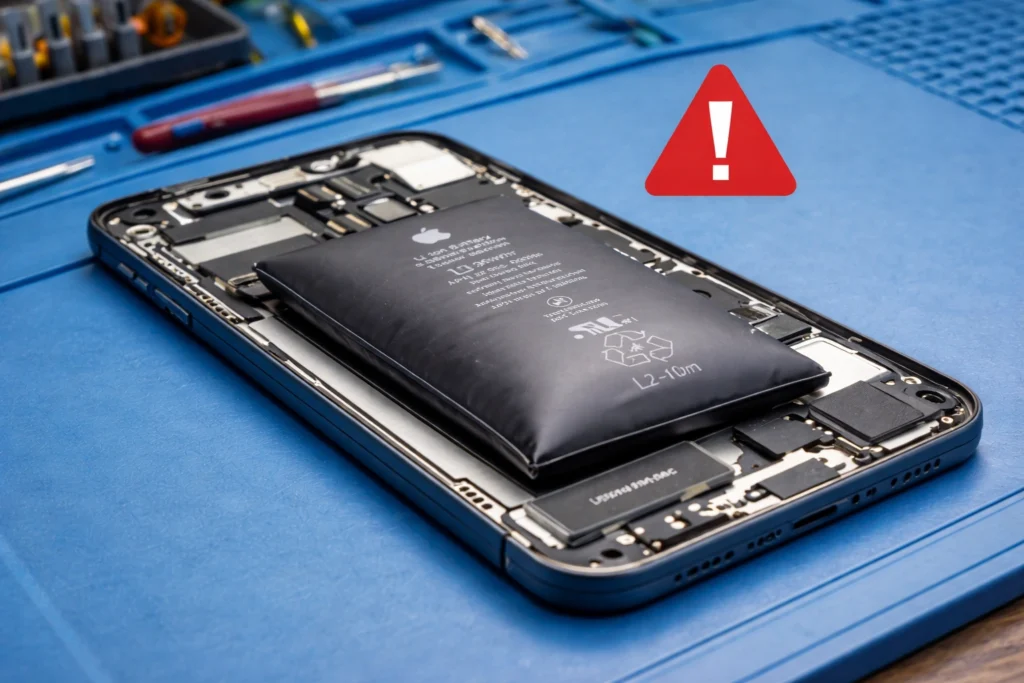
Battery replacement becomes reasonable when:
- Battery health stays below 80%
- Drain continues after software adjustments
- Phone performance drops under normal daily use
- The device overheats without a heavy load
At that stage, software tweaks usually only delay the obvious. A degraded battery cannot recover lost chemical capacity.
Why Do Many iPhone Users Delay Replacement Too Long
A common pattern is users adapting to battery problems gradually:
- Carrying chargers everywhere
- Staying in Low Power Mode constantly
- Avoiding camera use
- Reducing brightness all day
The phone still works, so the replacement gets delayed.
But battery degradation usually affects more than battery life. It also affects stability, charging behavior, and long-term motherboard stress when voltage becomes inconsistent.
That is why battery replacement often improves the overall feel of the phone immediately.
If You’re Comparing Repair vs Replacement
For many iPhones, replacing the battery is far more economical than replacing the device itself, especially when overall performance is still solid, the screen is intact, and the charging port works normally. A battery replacement often restores day-to-day usability without the higher cost of moving to a new device.
If battery health has dropped but the phone still meets your daily needs, a professional battery replacement usually makes more sense than investing in a new handset too early.
At PhoneHut Cell Phone Repair, this is one of the most common situations customers bring in for evaluation, because many devices only need a battery to regain stable performance.
Still Dealing With Fast Battery Drain?
A quick diagnostic can confirm whether your iPhone needs a battery replacement or if another issue is affecting performance.
Simple Habits That Actually Extend Battery Life Long-Term
The most effective habits are simple:
- Avoid deep 0% discharges
- Avoid keeping the battery at 100% constantly
- Reduce heat exposure
- Use certified charging accessories
- Disable unnecessary background refresh
- Limit location access
The healthiest range for daily charging is often between 20% and 80%, which reduces stress on lithium-ion chemistry over time.
FAQs
Why does my iPhone battery drain overnight without use?
Usually, because one or more apps continue background syncing, location checks, or network activity while the phone is idle.
Can an iOS update permanently damage battery life?
Usually no. Most post-update drain is temporary while indexing completes, although older batteries may feel weaker afterward.
Is battery replacement worth it if my iPhone still works?
Yes, especially when battery health is below 80%, and the device otherwise performs well.
How long does battery replacement usually take?
Most standard replacements are completed the same day if no additional hardware issue is present.
Can charging cables affect battery health?
Poor-quality cables usually do not directly destroy battery chemistry, but unstable charging behavior can increase heat and charging stress.
Final Takeaway
Fast battery drain does not always mean the battery is failing. Sometimes the real cause is hidden in background processes, display demand, thermal stress, or network behavior.
But when battery health declines and symptoms begin stacking together, replacement becomes less of a convenience and more of a reliability decision.
For many users, the difference after a proper battery replacement is immediate: stable percentage, smoother performance, less heat, and a phone that feels usable all day again.